
Posted by SmartQ Team on Nov 5th 2026
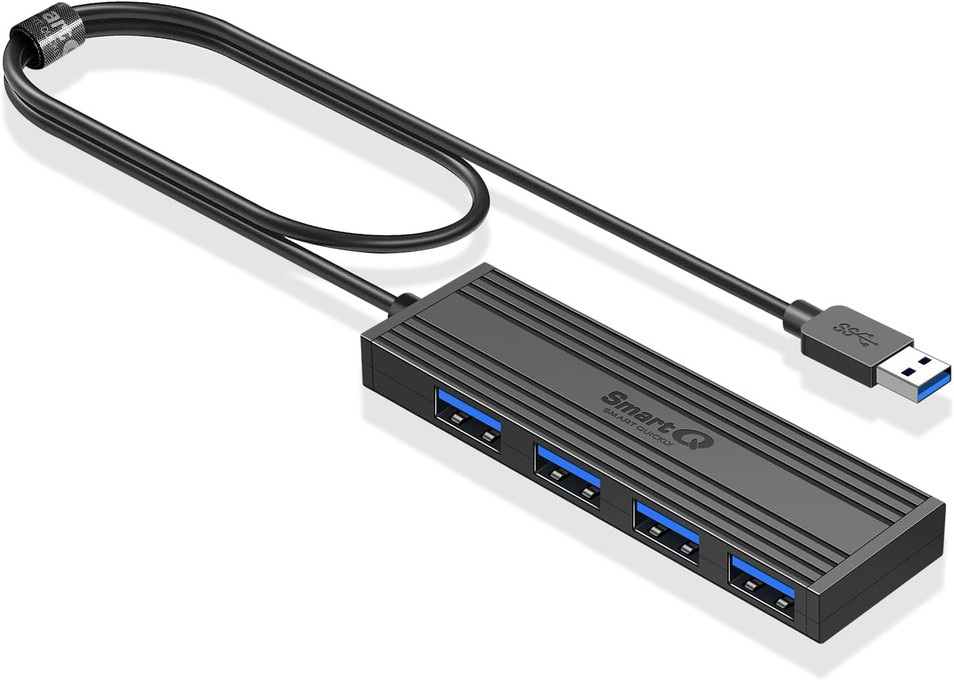
When a USB hub stops working, or devices on it keep disconnecting, the cause is often power, the port or a power-saving setting. Work through the checks below in order, and test after each one.
Is the hub getting enough power?
Power is the first thing to check, especially with hard drives. A hub without its own power adapter shares one computer port's power across all its ports. A standard USB 3.0 port gives up to 900 mA, and a USB 2.0 port up t… Read more
Posted by SmartQ Team on Nov 5th 2026
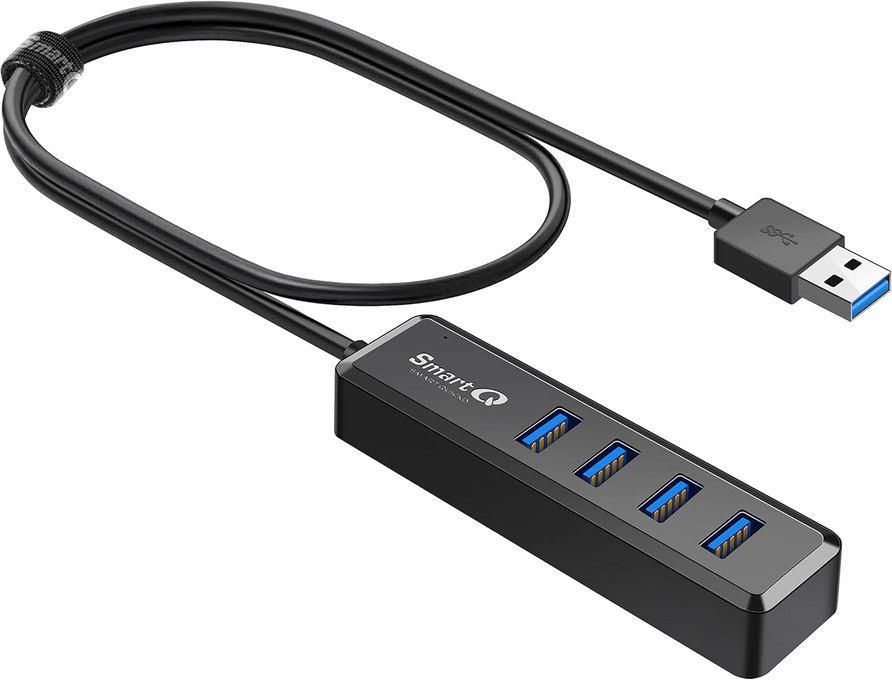
A USB hub turns one USB port into several. To pick the right one, answer five questions: which port your computer has, how fast the ports must be, how long the cable should be, whether you need extra power, and whether you also want card slots. This guide walks through each one.
Does my computer have a USB-A port?
Check this first, because every SmartQ hub has a USB-A plug, the flat rectangular kind. If your computer has a USB-A port, any SmartQ… Read more
Posted by SmartQ Team on Nov 5th 2026
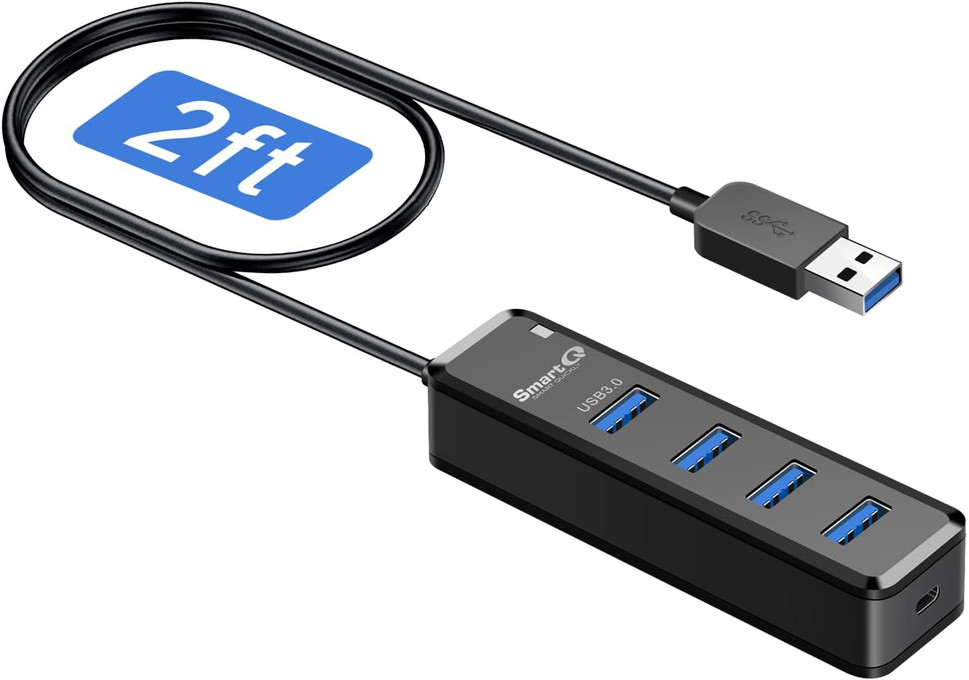
Often you don't need a powered USB hub. A mouse, a keyboard, a flash drive and a card reader usually run fine on a hub that takes its power from the computer. Hard drives are the common exception. This guide explains the power limits of a USB port, the warning signs, and what to do.
How much power does a USB port give?
The USB Implementers Forum (USB-IF), the group behind USB, sets the limits. A device may draw up to 500 mA from a standard USB 2… Read more