

Posted by SmartQ Service Team on Oct 20th 2017
Part 1 : How to StartTo experience the Touch ID feature, we need to upgrade your SmartQ flash drive. Please see following steps to learn how to upgrade it:Caution: please always make sure you back up your data before upgrading your flash drive.
Download the latest version of PowerDrive App from AppStore.After downloading the latest version of PowerDrive, insert your SmartQ flash drive into your iOS device and open PowerDrive App.Wait for a momen… Read more
Posted by SmartQ Team on Oct 1st 2017
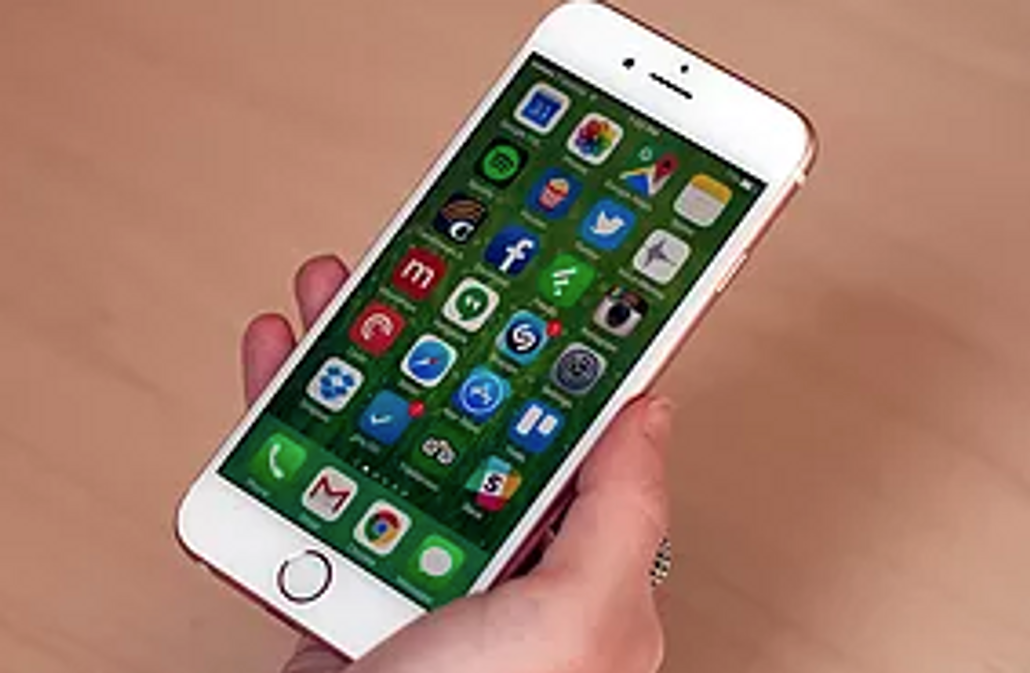
Do you need more space on your iPhone or iPad? If you are like us, we are constantly using our phone and tablet for photos, video, social sharing, music and more, we quickly run out of space. So frustrating! Or perhaps you are planning a trip and want to take movies, ibooks and more with you on your travels, but you don’t have space left to bring everything you want. Well, we have the answer!Your phone likely has a microSD card slot which will al… Read more